Troubleshooting
Typically, if anything is wrong with the host environment, the playbook stops running and the installation fails.
Ansible produces a status report that you can consult for troubleshooting. The lines in the status report are colour-coded as follows:
-
 Yellow
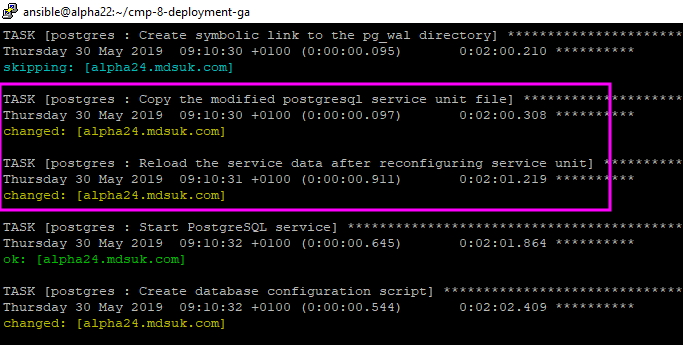
Yellow text indicates that Ansible made changes to the target host. For example:
-
Blue
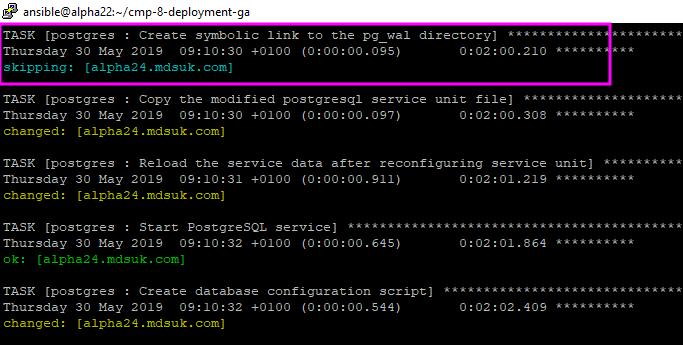
Blue text indicates that the task was not executed because the condition attached to the file was false. For example:
If the task that caused the error is followed by a blue line ‘…ignoring’, this means that task in question has the
ignore_errorsproperty set totrue, so even in the case of an error, playbook execution will not be interrupted. This is normal execution for the CMP Converged Monetisation Platform. The MDS Global product that supports customer care and billing for digital service providers. installation. -
Green
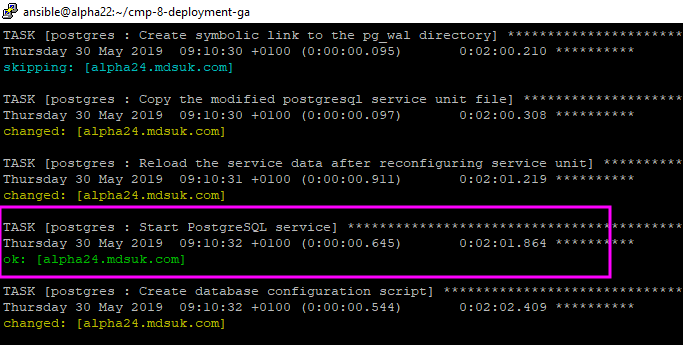
Green text indicates that the task was executed but the state of the target host did not change. For example:
-
Red
Red text indicates that there was an error. For example:
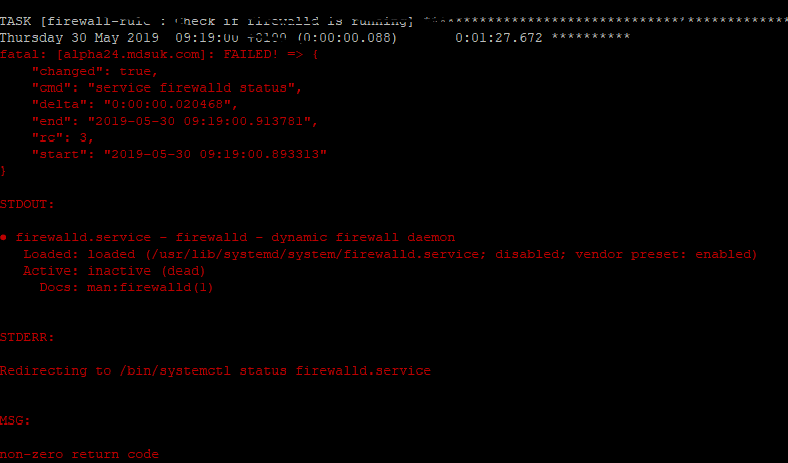
Some tasks can fail by design; but this is normal as the error is ignored by the play.
Once the deployment has completed, if CMP does not work as expected, you need to go through the application logs. The location of the component logs is in the summary file produced by the Ansible play. For more information, see Summary File
As part of troubleshooting, it may be necessary to examine the CMP technical architecture to determine the components that each part of the system depends on. For example, if AgentView The graphical user interface of the CMP that is typically used by Customer Service Agents to access CMP customer and billing data. In versions prior to CMP 8.0, this was called the CMP GUI. doesn’t work then the AgentView Interfaces layer, WSO2 and the database are all potential sources of error depending on exactly where the application problem is seen. For more information, see the CMP Technical Architecture Guide.
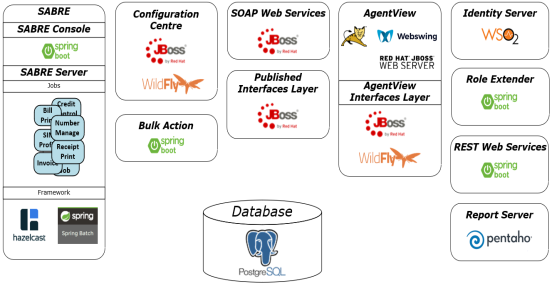
Examining the technical architecture of CMP can help to troubleshoot an installation