Servers
In the Servers screen, you can:
- View server information for CMP
 Converged Monetisation Platform. The MDS Global product that supports customer care and billing for digital service providers..
 - Display a list of modules installed on a server.
- Restart applications.
- Reboot the server.
The screen displays a set of collapsible panels - one for each of the hosts in a CMP system.
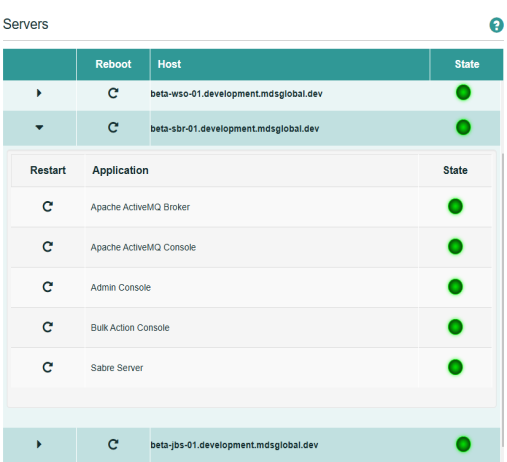
Each server panel displays the name of the host and the state of the host: green =active or red = inactive. There is also a Reboot  option for the host.
The body of the server panel lists the CMP applications that are installed on each host. Each application also has a State and a Restart option.