Add a User's Email in Identity Server
Once a user A person with the capability to log in to the CMP GUI software, such as a customer service advisor or agent. has been added to Identity Server, you can edit the user profile to add information such as an email address or phone number.
For information on adding a user see Create a User in Identity Server.
-
Log in to the Identity Server Management Console.
The console opens on the Home page. By default, the Main menu tab is selected.
-
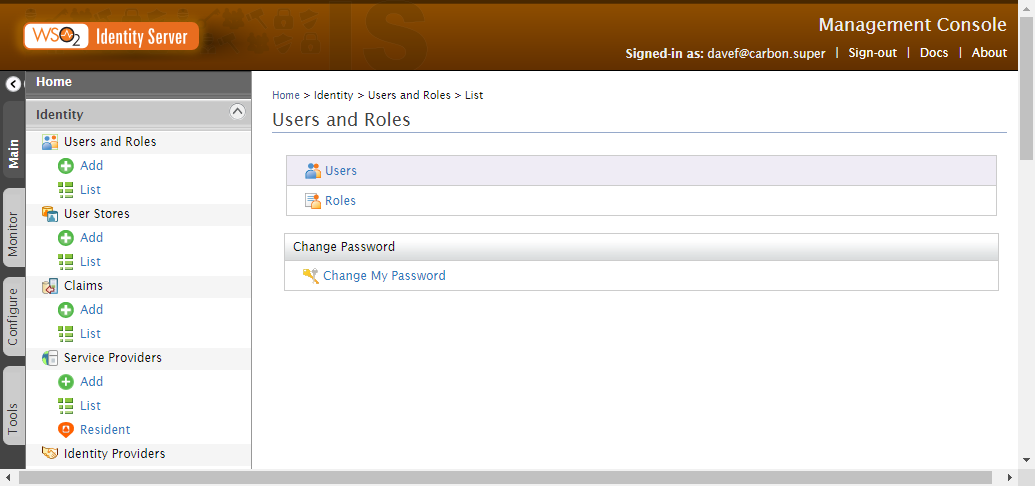
In the Main menu in the Identity section, under Users and Roles, click List.
The Users and Roles screen opens.
-
Click Users.
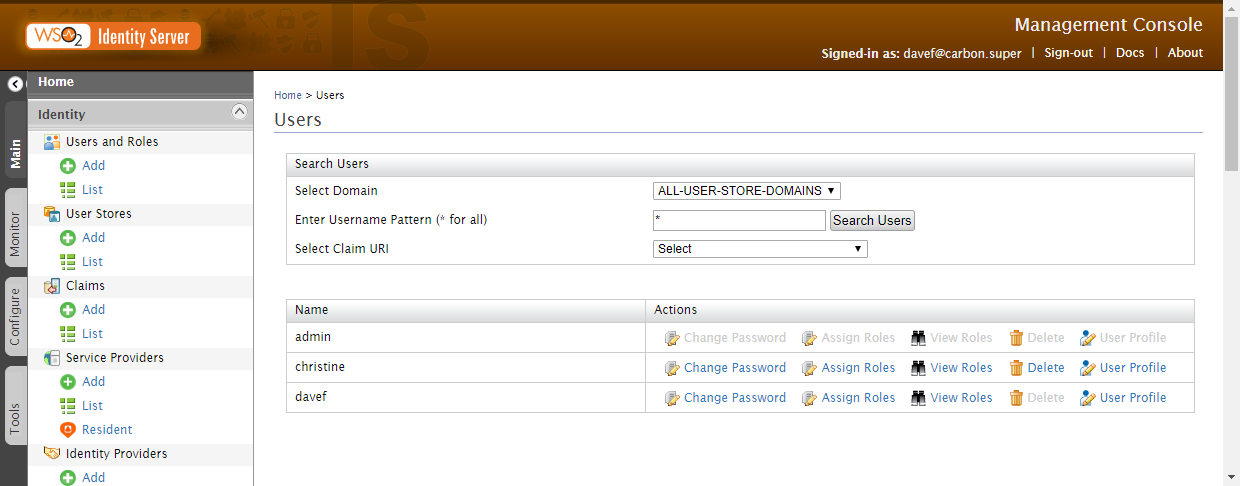
The Users screen is displayed.
-
Click User Profile of the user for whom you want to add an email address.
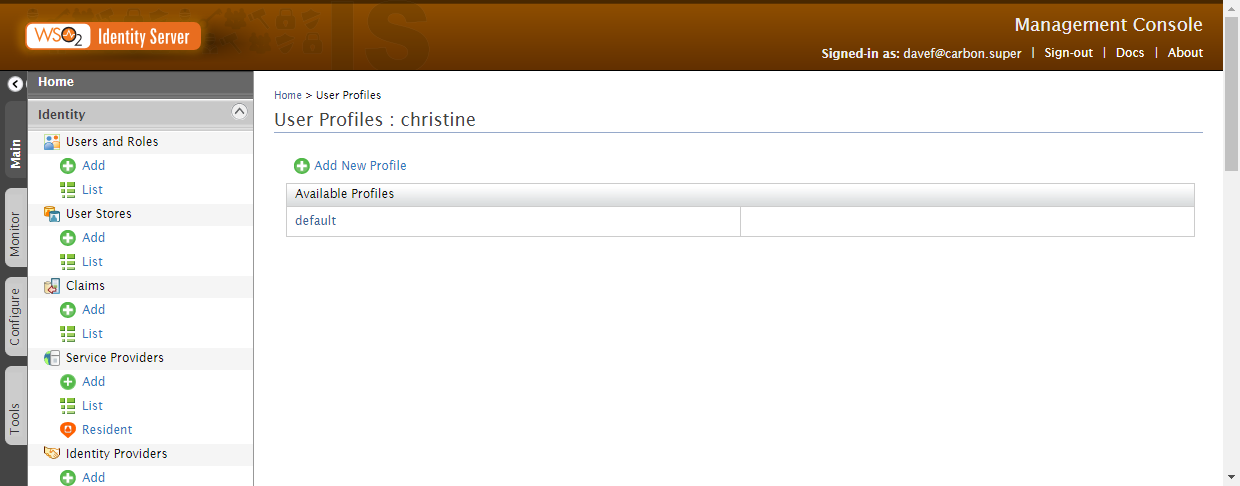
The User Profiles screen is displayed for that user.
-
Click the user profile to edit. In this case it is default.
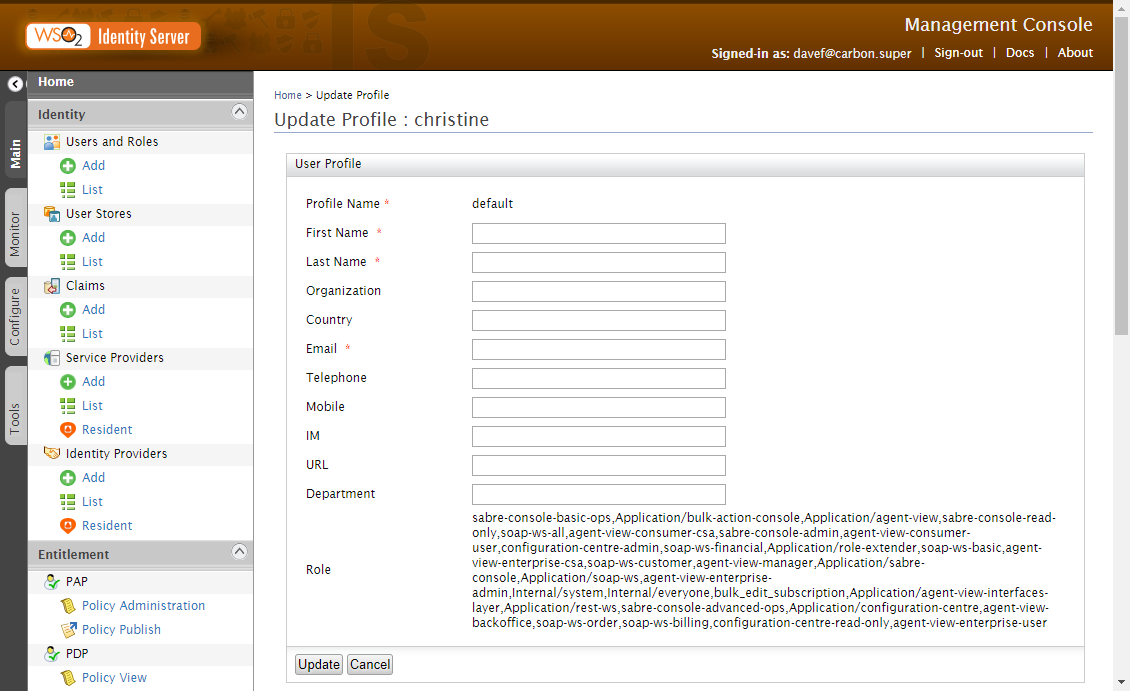
The Update Profile screen displays the settings for the profile.
-
Enter an Email for the user and click Update.
A success message is displayed.