Password Recovery and Reset
Users can request a password reset via the Forgot Password link in the login box on the Identity Server login screen:
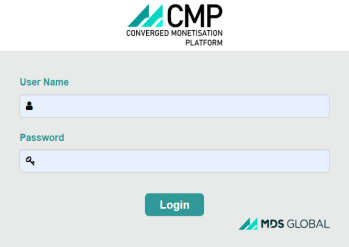
Clicking this link launches the Recover Password box, where the user A person with the capability to log in to the CMP GUI software, such as a customer service advisor or agent. can enter their username and click Submit to send a password reset request.
In response, CMP Converged Monetisation Platform. The MDS Global product that supports customer care and billing for digital service providers. sends an email to the user's email address configured in WSO2 (Identity Server). The email contains a link to reset their password. When the user clicks the link they are redirected to a screen to enter a new password. If the new password matches any security policy in place then the new password is stored in Identity Server.
For information on how to enter a user's email in Identity Server, see the section Add a User's Email in Identity Server.
From CMP 8.1.2, all new installations will have these options enabled by default. If you are upgrading from an earlier version to CMP 8.1.2 or above, see the following sections to enable and configure these options: