Create a User in Identity Server
To create a user A person with the capability to log in to the CMP GUI software, such as a customer service advisor or agent. and assign them one or more group In the Customer Manager Platform hierarchy, the highest level of the structure. The group level can be used to group corporates. Groups can hold financial information. roles, follow these steps:
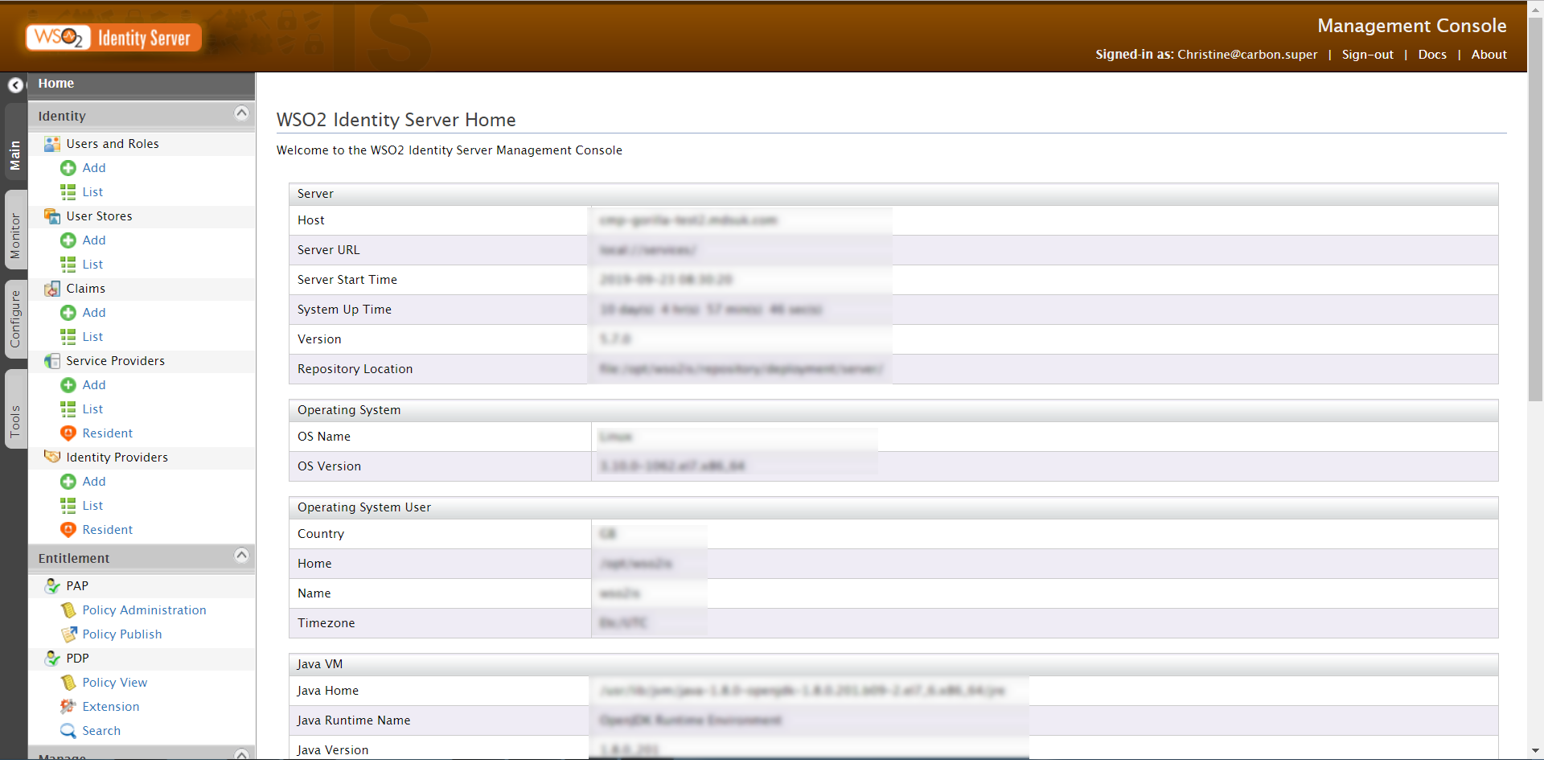
- Log in to the Identity Server Management Console.
-
The console opens on the Welcome page. By default, the Home tab is selected from the left-hand menu.
-
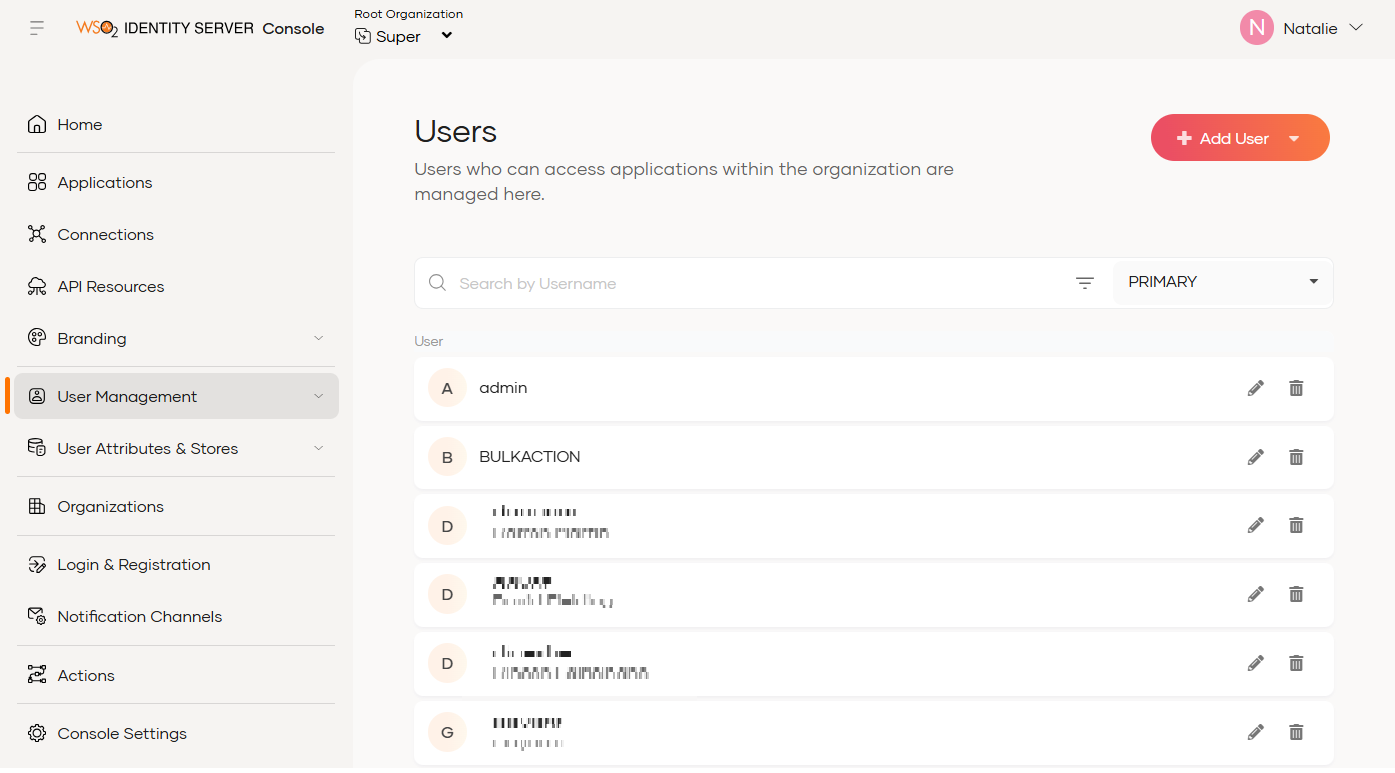
Select User Management > Users from the menu.
The Users page opens.
-
Click Add User > Single User. The Multiple Users option is used to create more than one user at a time.
The Create User screen is displayed.

- In the Select user store drop-down, accept the default selection of the PRIMARY domain.
- Enter a Username. You can use the underscore, full stop and hyphen in the username, but other special characters should not be used. The maximum username length is 100 characters.
-
Select the method to set the user password.
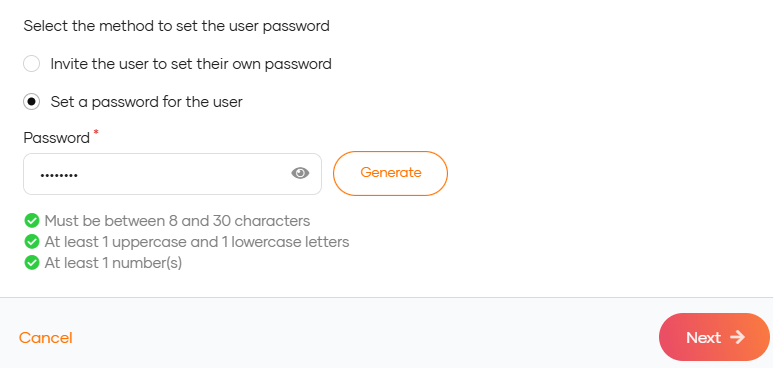
- Enter a Password. Confirm the password.
-
Click Next to assign group roles to the new user.
The User Groups screen is displayed.

- Select the groups required.
Tips:
Use the checkboxes to the left of the roles list to select/deselect multiple roles at a time.
You can search for roles using a pattern, for example*admin.
Use the pagination links to scroll through the pages of roles, if required. -
Select Save & Continue to save your user group selection and move to the next screen.
The Invitation page displays.

-
Either copy the password, or send the invitation to the user with their login credentials, and then click Close.
The new user profile page is displayed.
-
Click Go back to Users to return to the Users page.